
Hypersketch for Schools
Help students turn rough doodles and shape stickers into fresh ideas.
Hypersketch is an AI tool for exploring ideas visually. Students sketch or combine shapes, see unexpected possibilities, and choose what to develop next.
For inventive thinking, design innovation, art, and project work.
Request free educator trial.edu email address required. Access sent within one day.











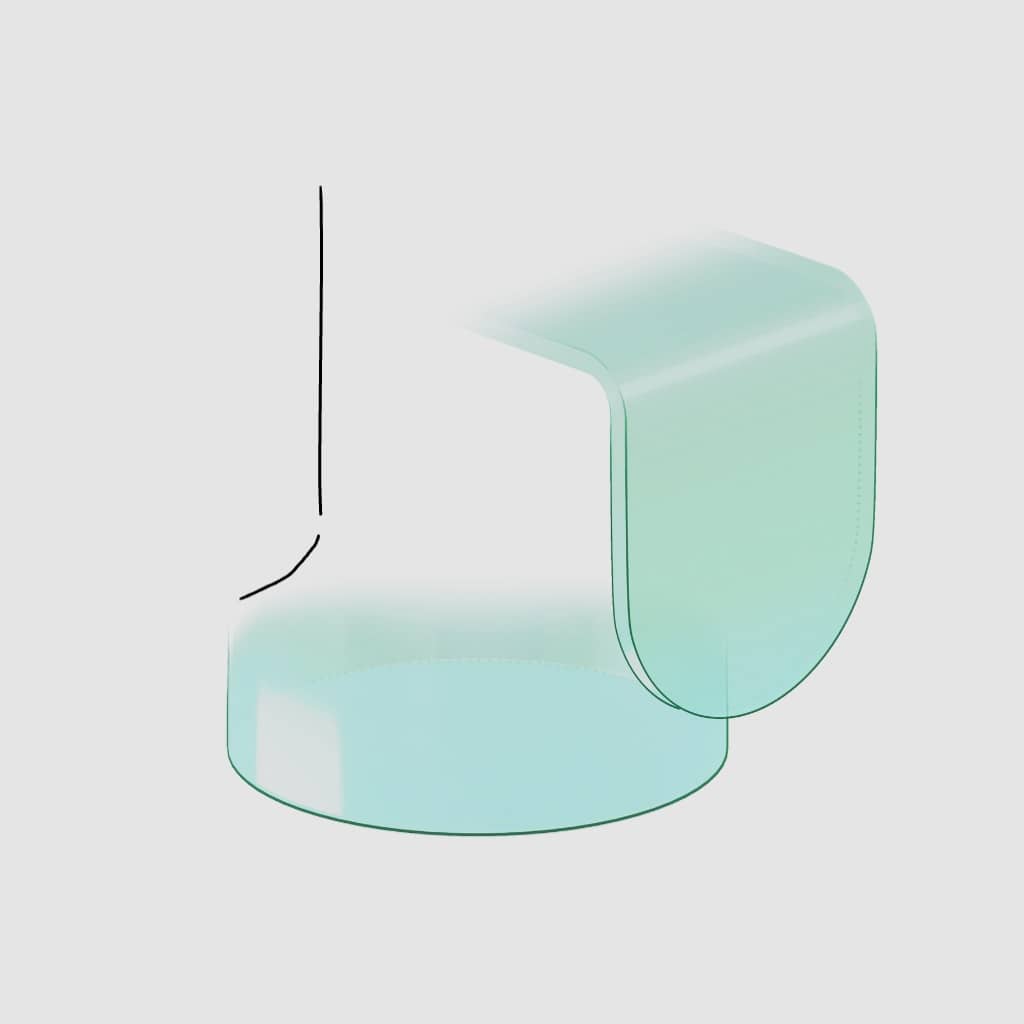



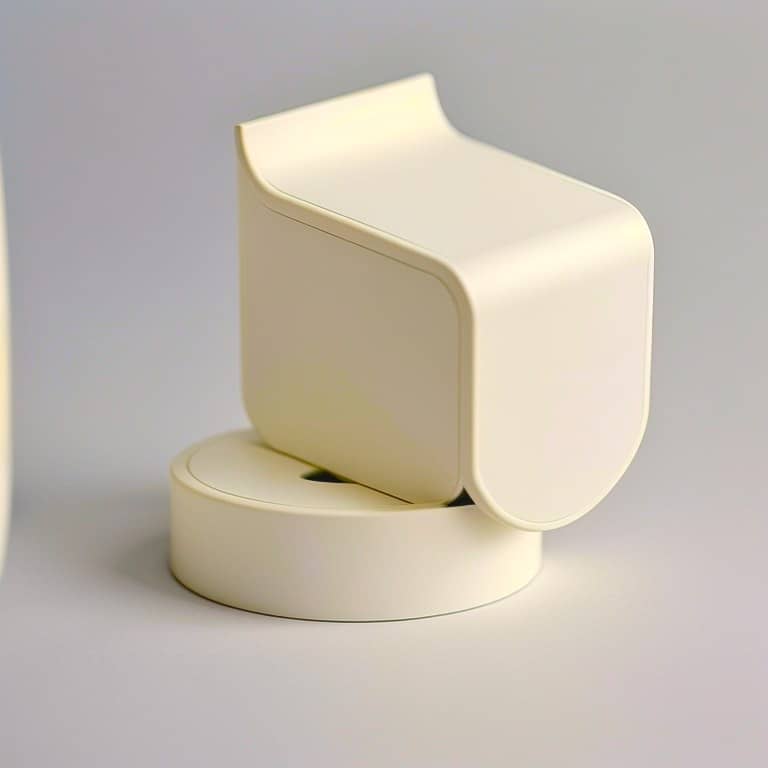
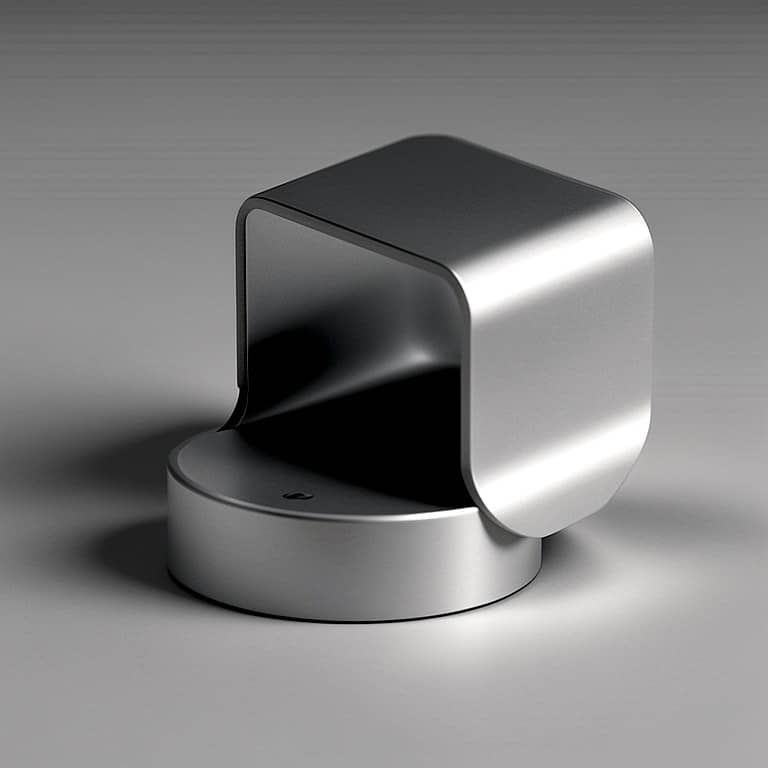

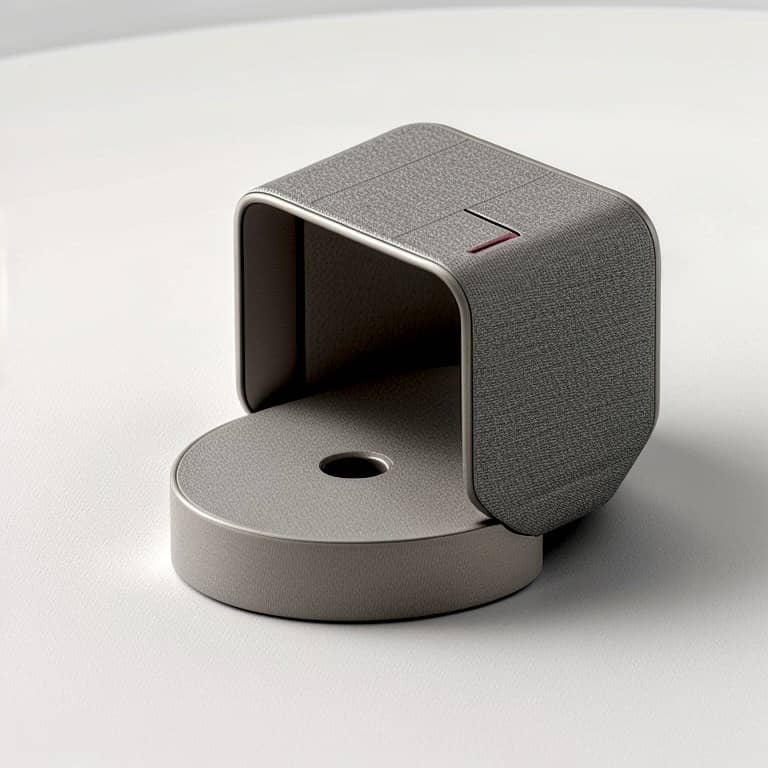
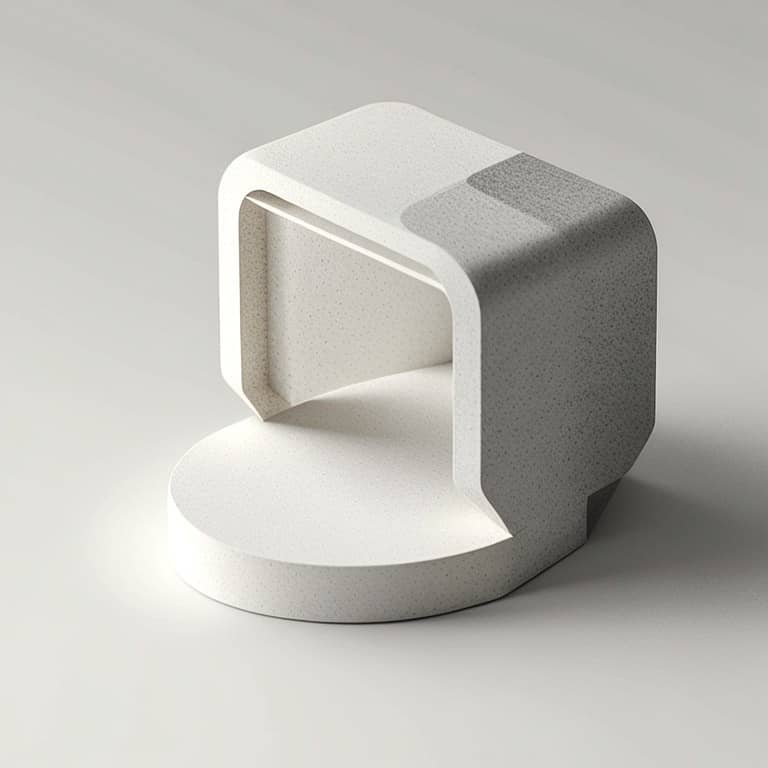




Half a hunch is enough to begin.
1. Make something rough.
Start with simple shapes or an incomplete doodle, not a polished drawing.
2. Explore what it could become.
Use AI to see unexpected directions you might not have considered.
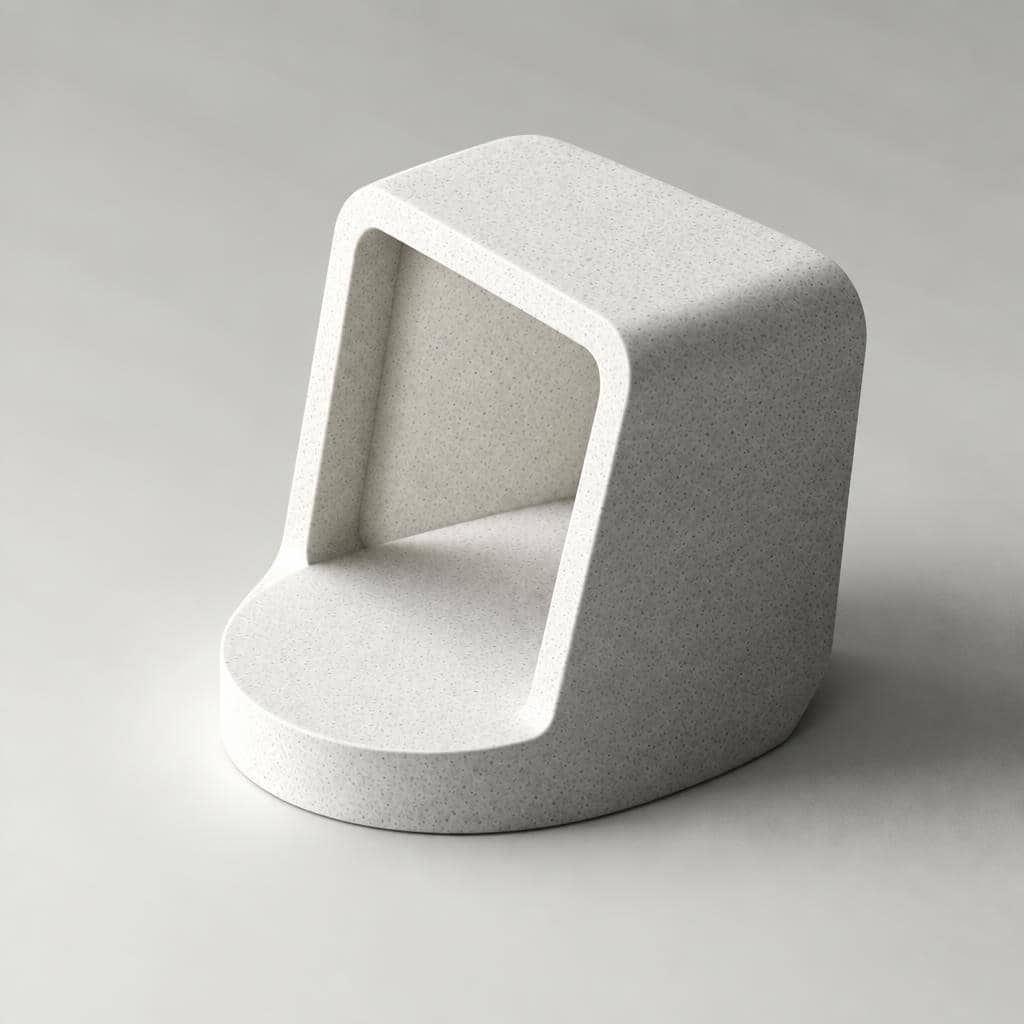





3. Choose an idea and develop it.
Students decide what is promising, who it could help, and what to change.
The picture is a starting point. Your students decide what it becomes.
Try it yourself before involving students.
The point is not to rush to right answers or to get a pretty image. It is to keep the student making decisions.
Where could you use it?
Give students a way to get started, explore wider alternatives, and explain their choices.
Invention and innovation
Turn an everyday problem into ideas students can discuss and develop.
Design thinking and project work
Explore different possibilities, then choose and develop an idea around a real human need.
Art and visual exploration
Experiment with forms and possibilities without needing a polished first drawing.
Inventive Thinking
Entrepreneurship & Product Ideas
Design Thinking & Innovation
STEM & Maker Projects
Art & Visual Communication
Project-Based Learning
Interdisciplinary Projects
Design & Technology
School Environment Improvement
Industrial Design
Architecture
Creative AI Literacy
Use AI to make students think more — not less.
d = 0.7
Moderate to large increase
Average effect size across three cohorts for the increase in self-perceived creativity
Cohen's d measures how big a change is, not just whether one happened. By convention 0.2 is small, 0.5 medium and 0.8 large.
3 cohorts · n = 55 · mostly non-design students
Singapore Polytechnic Academic Quality & Resources
In an evaluation conducted by Singapore Polytechnic's Academic Quality & Resources unit, students reported increased self-perceived creativity after learning the Hypersketch approach, averaging Cohen's d = 0.7 across three cohorts of mostly non-design students.
Also observed
Students produced a broader range of creative lamp concepts than under the institution's previous course approach.
This measures self-perceived creativity, not assessed creative performance. We report these findings as evidence behind the approach, not as proof of causation. Read the full evidence and method.
Selected education engagements
Anglo-Chinese Junior College
Australian International Academy
CHIJ St. Nicholas Girls' School
Chua Chu Kang Secondary School
Design and Technology Educators Society
Hangang Media High School
Methodist Girls' School
MOE HQ, Singapore
National University of Singapore
Peirce Secondary School
Savannah College of Art and Design
Serangoon Garden Secondary School
Singapore Polytechnic FabLab
South View Primary School
Temasek Polytechnic School of Design
Victoria School
West Spring Secondary School
Organisations listed have participated in one or more student workshops, lab deployments, pilot programmes or licensing engagements with Hypersketch. Inclusion does not imply partnership, endorsement, ongoing use or current licensing.
Questions
Do students need to be good at drawing?
No professional-level sketching ability is required. Drawing remains valuable, but students can begin with rough marks, simple forms and incomplete visual thoughts.
Is Hypersketch just an AI image generator?
No. Hypersketch uses AI-generated images as material to think with—not answers to accept. Its pedagogy is built into the software’s interaction design, using intentional friction to prompt students to notice possibilities, make connections, reframe ideas, choose what to develop and explain their decisions. The aim is to strengthen students’ creative thinking and authorship—not automate them away.
Does AI do the creative thinking for the student?
It provides provocations and possibilities. The student still decides what matters, what to reject, what to connect, how to reframe the idea and what to develop.
What devices can students use?
The web version runs on any modern tablet or laptop with the Chrome or Safari browser and a robust web connection. The iPad native edition requires an iPad with Pencil.
What happens after I request a trial?
The trial lets you evaluate Hypersketch yourself before deciding whether it fits your students. Access is normally sent within one working day. No student accounts or student data are needed to trial it.
What about student safety and school setup?
Review our AI safeguards and school IT and setup information before using Hypersketch with students.
Can Hypersketch run workshops for our students?
Yes — workshops are one of the fastest ways to experience the approach in action. We regularly conduct hands-on sessions for students and educators, from groups of 10 to 300 participants, including a 150-participant combined-schools workshop held at the invitation of Singapore’s Ministry of Education HQ.
Try it yourself before bringing it to class.
Explore Hypersketch as an educator, then decide whether it fits your students and projects.
Request free educator trial.edu email address required. Access sent within one day.
7,400+
Monthly active users — and counting
Looking for a facilitated session? Explore school workshops.